
Included with every build
Your whole build, in one place
Keep your schedule, permits, documents, payments, decisions, and messages together. When something changes, you can see the latest project information and know what needs your attention.
Demo uses fake data and is read-only · Not building yet? Start here
Model L · Clark County
Predicted completion: on track · illustrative example
- Evaluation, complete
- Permits, complete
- Factory, current
- Site / Delivery, upcoming
- Move-in, upcoming
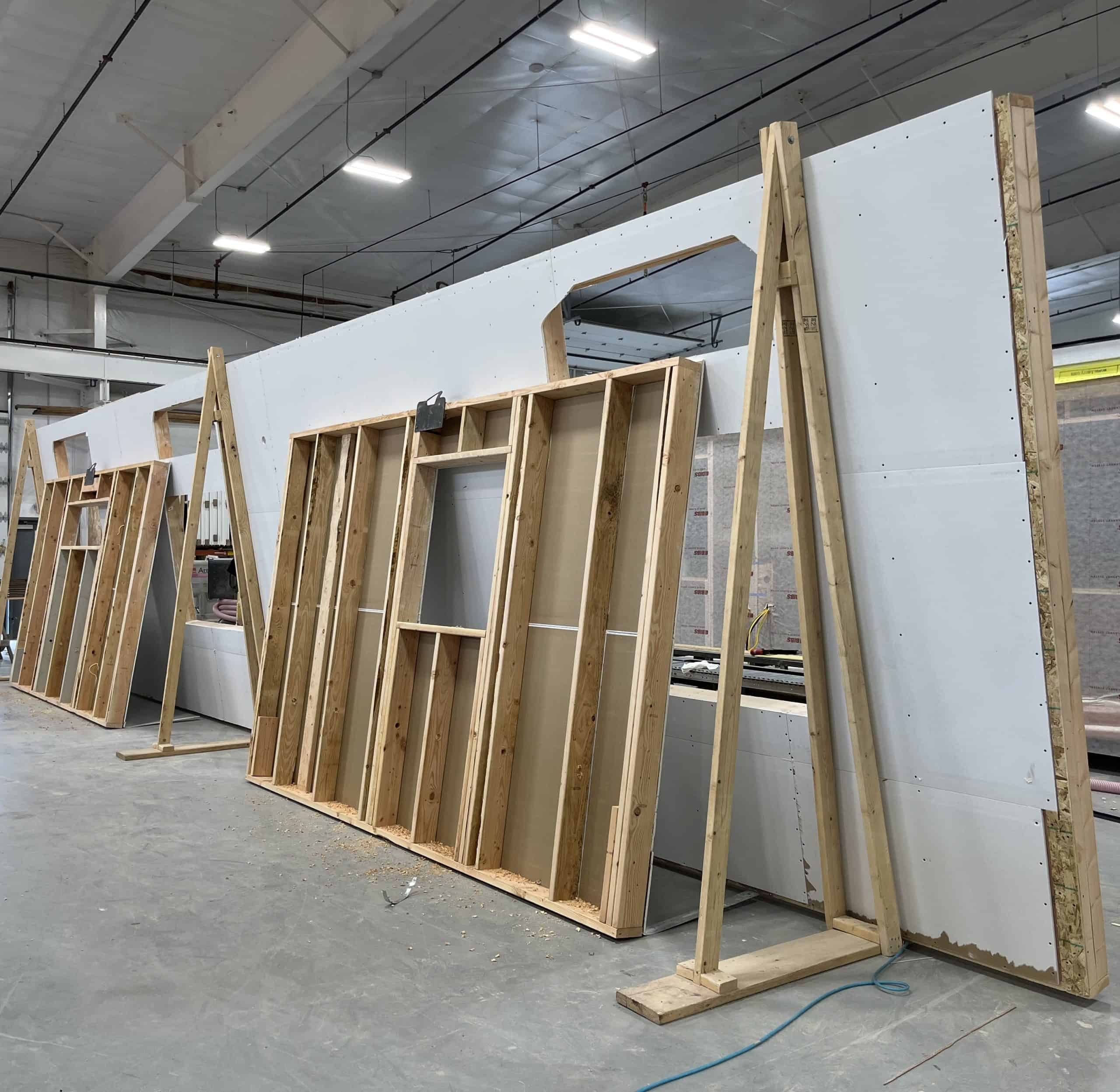
Factory: framing Model L — illustrative example
Balance
$0 due
What you can do
Stay connected to your project
The portal keeps the current schedule, documents, decisions, payments, permits, and messages in one place.
Decision Center
See upcoming selections, approvals, and document requests, along with their due dates.
Live project timeline
Follow design, permitting, factory production, and delivery on a timeline that updates with the project schedule.
Quotes & contracts
Review your proposal, accept it, and sign your contract online.
Permits & inspections
Check permit status and see inspection results as they are posted.
Invoices & payments
See your full financial picture from contract to balance, and pay deposits and draws securely online.
Change orders
Review and approve any change to scope or price, with each adjustment documented in one place.
Warranty claims
Submit and track warranty requests after move-in.
Messages & guests
Keep project messages together and invite a co-buyer, real estate agent, or lender when needed.
Getting in
Simple, secure sign-in
We create your account
When your project begins, we set up your portal and send you a secure link tied to your build.
Sign in with a magic link
Enter your email and we send a one-time link. No passwords to create, forget, or reset.
Invite your people
Add a co-buyer, realtor, or lender as a guest with just the access they need — and remove it whenever you want.
Current project information
The same information your Wolf team uses
Your portal draws from the same project system our design, permitting, production, and field teams use, so you’re checking the same record they are.
The projected completion date updates when the working schedule changes. Permit updates and invoices appear in the same project record.
-
Updated completion estimates
Completion estimates come from the same schedule used by our operations team.
-
Current permit updates
See the permit and inspection updates recorded for your project.
-
Private to your project
Secure access keeps project details available to you and the guests you choose.
Questions