
How to use AI to compare construction quotes, with prompts
Prompts for comparing ADU (accessory dwelling unit) and home-building quotes in ChatGPT, Claude, or Gemini, plus what AI gets wrong, license checks, and what to ask each bidder.
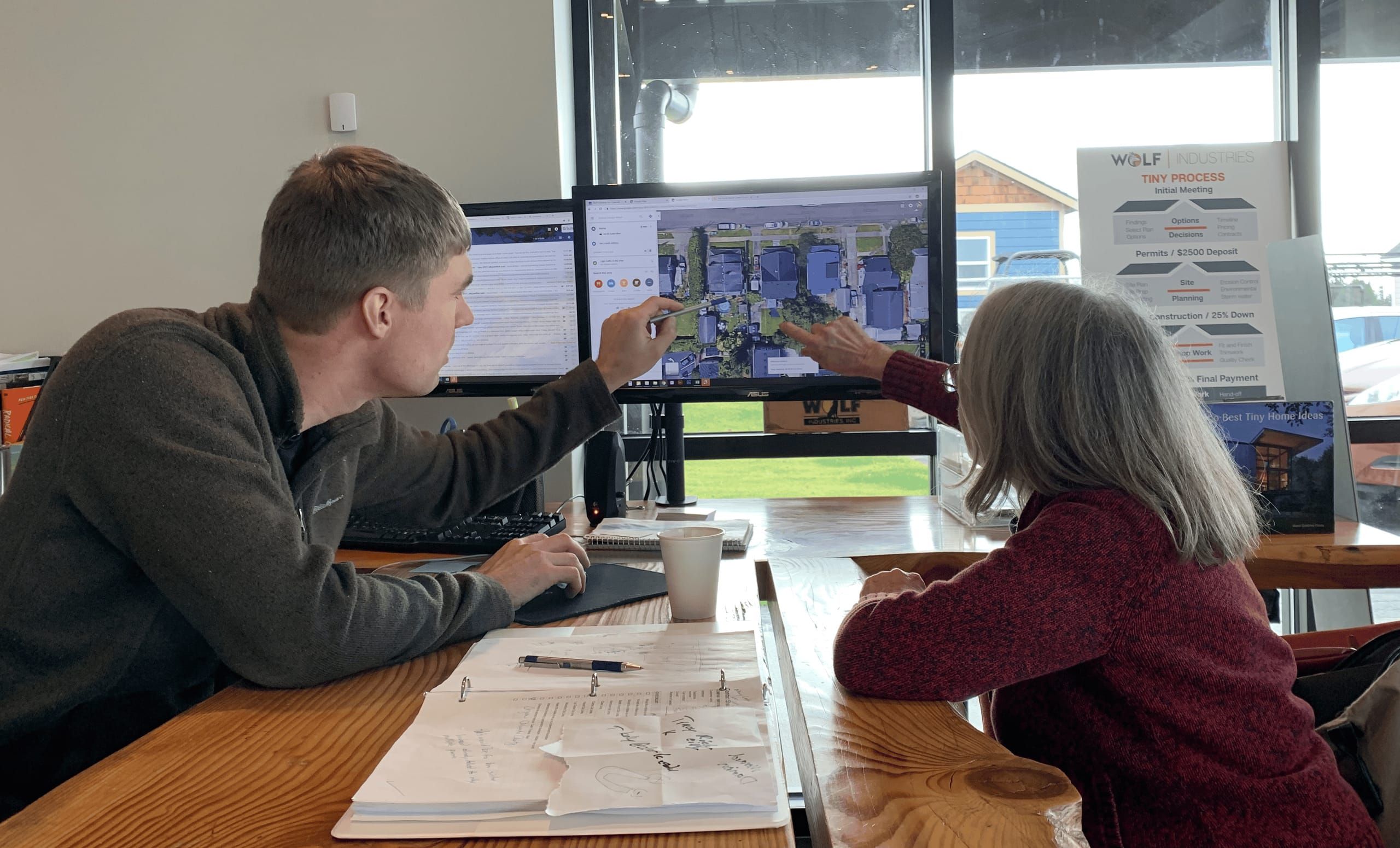
If you have two or three bids for an ADU (accessory dwelling unit) or a small home, an AI chat tool like ChatGPT, Claude, or Gemini can save you an evening with a highlighter. It can pull every line into one table, list what each bid leaves out, and draft the questions you need to ask each contractor. It can also misread a number, and it has never seen your lot. Use it to organize the bids, then check its work against the paper.
These are the prompts we’d use, in the order we’d use them. They work on any builder’s quote, ours included. Copy them into a new chat and fill in the brackets.
Before you upload anything
Take care of three things first.
- Remove personal details. Black out your name, address, phone number, parcel number, and any bank or card information. The AI doesn’t need them to read a scope of work.
- Check your privacy settings. Most AI tools have a setting that controls whether your chats can be used to train their models. Look for it before you upload.
- Upload the whole proposal. Include every page: exclusions, allowances, the payment schedule, and the fine print. A summary email or a one-page price sheet leaves out the parts that matter most.
PDFs and clear phone photos both work. If a page is handwritten or blurry, type the numbers in yourself.
1. Put every bid in one table
Start a new chat, upload all the bids at once, and paste this:
I’m comparing [number] bids for a [detached ADU / small home] in [city, state]. Read every page of each bid. Make one table with a row for each item below and a column for each bidder:
- The home itself, and which finishes and selections are included
- Design, engineering, and survey
- Permit fees, and who prepares and files the permit
- Excavation and foundation
- Water, sewer or septic, and power connections, including trench length if it’s listed
- Delivery and set, or framing if it’s site-built
- Decks, porches, steps, and ramps
- Site prep: grading, tree removal, demolition, and drainage
- Final inspections and occupancy
- Appliances
- Sales tax
In each cell, write the dollar amount, “included” if it’s covered with no separate price, “excluded” if the bid says it isn’t covered, “allowance” plus the amount if it’s a placeholder budget, or “not mentioned.” Give the page number for every entry. Don’t estimate any number that isn’t written in the bid.
The last two sentences do the most work. Page numbers let you check the table against the bids. The “don’t estimate” line keeps the AI from filling empty cells with typical prices from somewhere else. The row list comes from our guide on what a complete ADU quote should name. Add rows if your project has something unusual, like a well, a long driveway, or a garage conversion.
2. Find what’s missing
Using the table, list everything in each bid that is excluded, not mentioned, or covered only by an allowance. For each one, tell me who would likely have to arrange and pay for it if I signed that bid as written. Then list every item one bid includes that another bid leaves out.
This is usually where the low bid stops looking low. A bid that leaves out the utility trench, the foundation, or the permit means you hire and pay for that work separately, often after you’ve already signed. Our article on the true cost of a modular ADU project covers which of these costs change the most from one lot to the next.
3. Read the allowances
An allowance is a placeholder budget for something that hasn’t been picked or measured yet, like flooring, light fixtures, or “excavation up to $X.” If the real cost runs higher, you usually pay the difference.
List every allowance in each bid with its dollar amount and what it’s for. For each one, tell me what the bid says happens if the actual cost goes over. If the bid doesn’t say, write “not stated.”
Don’t ask the AI whether an allowance is enough. It doesn’t know local prices this year, and it will guess. Ask the bidder what the allowance actually buys and how often it runs over on jobs like yours.
4. Find out who does the work
Some builders do most of the job with their own employees, which the industry calls self-performing. Others act as a general contractor and hire subcontractors for the foundation, utilities, electrical, and other trades. Either can work. What changes is who schedules the trades, who you call when one doesn’t show up, and who answers for the work later.
For each bid, list which work the company says its own crew performs and which work goes to subcontractors or other companies. If the bid doesn’t say, write “not stated.” Then list any work that appears to fall to me as the owner, such as hiring a surveyor, a septic designer, or the power company.
Most bids don’t spell this out, so this prompt mostly builds your question list. For comparison, on a Wolf turn-key job in Washington or Oregon our own people handle permits, factory construction, site work, delivery, and setup. Surveys, septic design and installation, wells, and some specialty trades can go to outside companies, and we line those up. Outside those two states, we deliver and set the home, and a local contractor handles the site work and utility connections.
5. Compare the timelines
For each bid, list every time estimate it gives: design, permitting, construction or factory build, delivery, site work, and move-in. Say which ones the bid presents as commitments and which as estimates. Then list any stage that has no time estimate at all.
A quick build time isn’t the whole schedule. Permitting is often the longest stage, and the city or county sets that pace. If one bid says four months and another says nine, check whether both include permitting before you decide one builder is faster.
Here’s what we tell people as of November 2026. Permitting typically takes 1 to 9 months across our service area. The review times we see most often are 4 to 6 weeks in the City of Vancouver, 8 to 10 weeks in Clark County, and up to 5 months in the City of Portland. Factory construction takes 2 to 3 weeks once your production slot begins. Site prep, delivery, setup, and closeout take 12 to 16 weeks. Those stages overlap, so they don’t add up to a total. The permits page explains what happens during review.
6. Check payments, changes, and the warranty
For each bid, summarize the payment schedule: how much is due at signing, what each later payment is tied to, and how much is due before the work is finished. Then summarize how changes are priced and approved, what happens if the project is delayed, what’s refundable if the permit isn’t approved, and the warranty terms. Flag anything the bid doesn’t cover.
Check that each payment is tied to a step you can see, like “foundation complete” or “home delivered.” Make sure changes get priced and approved in writing before the work happens. Compare warranties line by line, since “warranty included” can mean very different things. Wolf’s warranty is one year, and the written warranty spells out what it covers.
If one bid is modular and one is site-built
A factory-built (modular) quote and a site-built quote are usually organized differently. A modular quote often prices the home, the delivery and set, and the site work as separate parts. A site-built bid may roll everything into one number. If you line up the home price from one against the full total from the other, the comparison is off before you start.
One of these bids is for a factory-built modular home and one is for a site-built home. Rebuild the table so both show total project cost for the same scope: the home, permits, foundation, utilities, delivery and set or framing, site work, and finish work. Mark any part one bid includes and the other doesn’t.
On a Wolf proposal, permits, selections, delivery, utilities, grade, trees, and demolition are separate lines, so they drop straight into this table. Our cost page has published price ranges, and your lot still gets its own number. Set day, the day the home is placed on its foundation, is part of delivery and setup.
7. Write your questions
Based on everything above, write a separate list of questions for each bidder. Focus on exclusions, items not mentioned, allowances, unclear payment terms, missing timelines, and work with no clear owner. Keep each question short, and phrase it so the answer can be written into the contract.
Send each company its own list and ask for the answers in writing. If an answer changes the price or the scope, ask for a revised proposal so the change is part of what you sign.
Questions to ask every bidder
Whatever list the AI writes, make sure these make it in:
- What will I still need to pay for, outside this price, to finish the project and get a certificate of occupancy?
- Did you visit the property, or is this price based on a drawing and photos?
- Which allowances are most likely to run over on a lot like mine?
- Which work does your own crew do, and which trades are subcontracted?
- Who runs the schedule, and who do I call when a trade is late?
- How long does permitting usually take in my city or county, and is that in your timeline?
- What happens to the price and schedule if the permit reviewer asks for changes?
- How are change orders priced, and do I approve them in writing before the work starts?
- What’s due at signing, and what’s refundable if the permit isn’t approved?
- What does the warranty cover, for how long, and who handles warranty calls?
- What’s your contractor license number?
If you’re still choosing who to get bids from, our 10 questions for an ADU builder cover experience, permitting, access, and finished work.
Look up the license yourself
AI tools can’t reliably look up a contractor’s license, and they sometimes make up an answer. The state lookups are free and take a couple of minutes.
- Washington: Use L&I’s Verify a contractor tool. Search by business name or license number. The record shows whether the registration is active, the bond and insurance on file, any lawsuits against the bond, and safety or construction citations.
- Oregon: Use the Construction Contractors Board (CCB) license search. Check that the license is active, that it has a residential endorsement, and that the name matches the bid. The record shows up to 10 years of complaint history.
Look up the company named on the contract. If a big piece of the job, like the foundation or septic, goes to a subcontractor, you can look that company up too. Wolf holds Washington L&I license WOLFIII921BD and Oregon CCB license 184044.
Both states also require certain paperwork on home projects. In Washington, a contractor on residential work of $1,000 or more has to give you a signed disclosure statement, titled “Notice to Customer,” before work starts (RCW 18.27.114). In Oregon, residential work over $2,000 needs a written contract, and the contractor has to give you three notices: the Consumer Protection Notice, the Notice of Procedure, and the Information Notice to Owner About Construction Liens (CCB required notices). When you get to the contract stage, you can ask the AI whether these are in the paperwork. If they’re missing, ask the contractor about them.
What AI gets wrong
AI tools are good at sorting and summarizing. They make predictable mistakes on construction bids, so watch for these:
- Misread numbers. Scanned pages, handwriting, and tables that break across two pages trip it up. Check every dollar figure in the table against the bid before you rely on it.
- Filled-in blanks. When a bid doesn’t mention something, the AI may assume it’s included or plug in a typical cost. The page-number and “don’t estimate” instructions help, but check anyway.
- No view of your lot. Slope, access, trench distance, and soil drive site costs. None of that shows up on paper unless someone has walked the property, and a bid based on photos can change after a site visit.
- Old local rules. Zoning, ADU size limits, permit fees, and review times change. If the AI tells you something about your city’s code, confirm it with the permit office or its website.
- Confident answers about contracts. For lien rights, cancellation terms, or dispute clauses that worry you, talk to a construction attorney.
- A pick based only on paper. If you ask which bid to choose, it’ll answer using only what’s written. A clean, detailed proposal doesn’t prove good work. References, finished projects, the license record, and how each company answered your questions belong in that decision too.
Get a Wolf number to compare
If you want a Wolf quote in your comparison, start with a free property evaluation. It’s a preliminary study of zoning, setbacks, and what’s generally allowed on your lot. Utilities, access, and site prep get worked out as the project moves forward, and then we price the whole job with each part on its own line. If you’d rather talk through what a modular quote should include first, call or send us a message.